> For the complete documentation index, see [llms.txt](https://drupalninja.gitbook.io/guide/llms.txt). Markdown versions of documentation pages are available by appending `.md` to page URLs; this page is available as [Markdown](https://drupalninja.gitbook.io/guide/managing-blocks/carousel.md).
# Carousel
OpenChurch providers editors with a way to easily create a rotating carousel that can feature major events or content.
### Creating a Carousel block
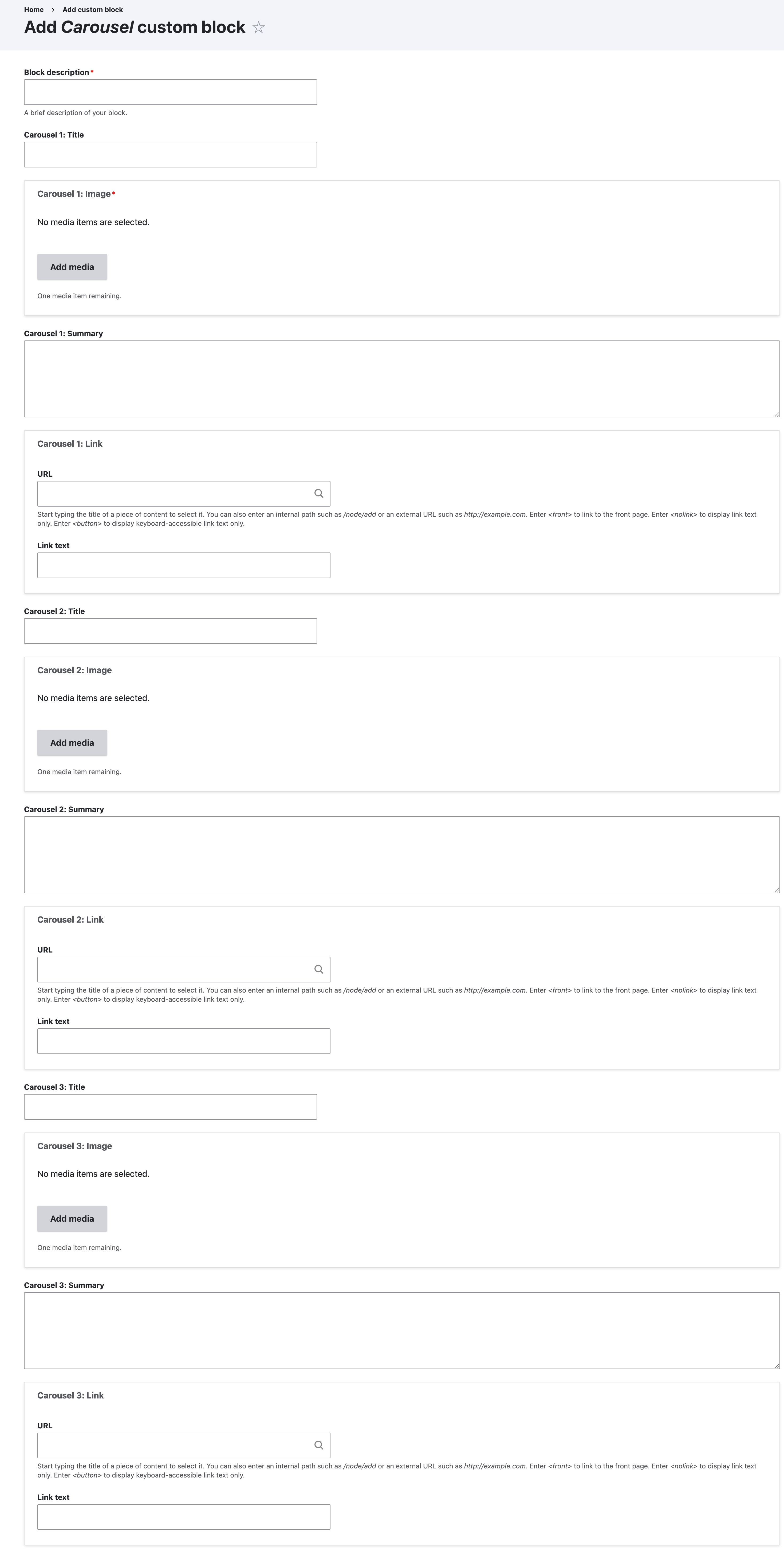
1\. Go to /block/add/carousel to create a new carousel block.
Carousel block form
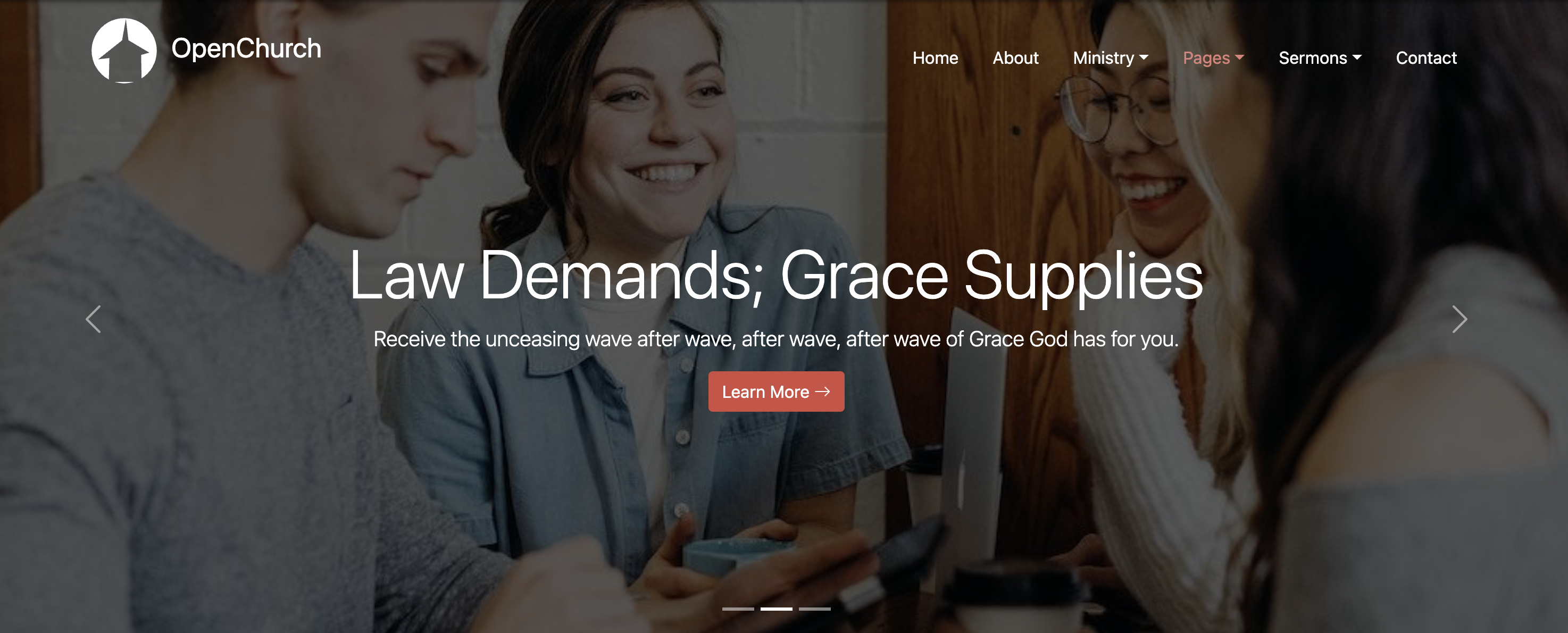
2\. After saving and place the block, you should see something similar to the block below. Note: that this block usually is placed in the "Hero" region where the header/menu will overlap.
Carousel example
To see a homepage with this example visit the /homepage-alt page (underneath "Pages" menu).